How to Get iPhone-Style Live Photos on Android (Better Than iOS!)
Just switched from iPhone to Android and missing Live Photos? Or maybe you've always been an Android user who envied that iOS-exclusive feature? Here's the truth: Android can do live photos just as well as iPhone — and with the right app, even better.
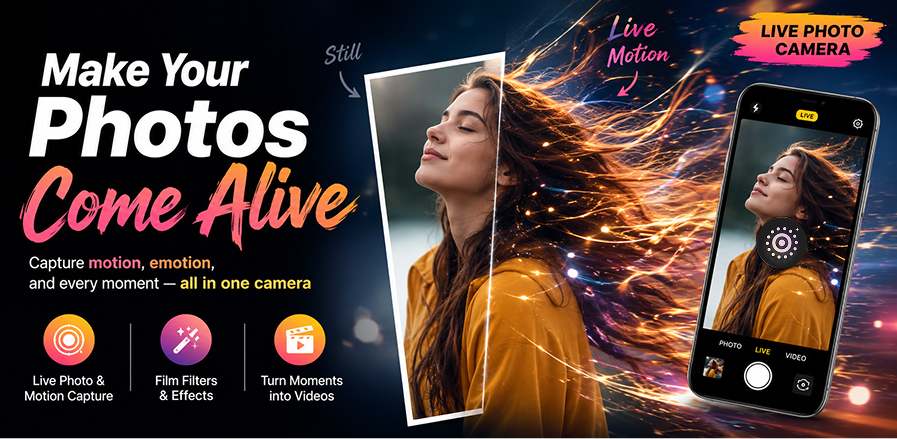
📱 What Makes iPhone Live Photos Special?
Apple's Live Photos capture 1.5 seconds of video before and after a shutter press. They can be set as lock screen wallpapers, shared with the 3D Touch/Haptic Touch effect, and exported as loops, bounces, or long exposures.
On Android, the built-in Motion Photo feature provides similar functionality, but it lacks the creative editing tools and special effects that make iPhone Live Photos so fun to use.
🤔 Android's Built-in Alternatives (and Their Limitations)
- Samsung Motion Photo — captures motion but offers limited editing
- Google Pixel Top Shot — AI-powered best frame selection, but no creative filters
- Other brands — inconsistent support and naming across manufacturers
The bottom line: built-in options work for basic motion capture, but they can't match the full Live Photo experience that iPhone users enjoy. That's where Live Photo Camera comes in.
🚀 Live Photo Camera: The App That Does It Better
Live Photo Camera brings everything you love about iPhone Live Photos to Android — and adds features Apple doesn't even offer:
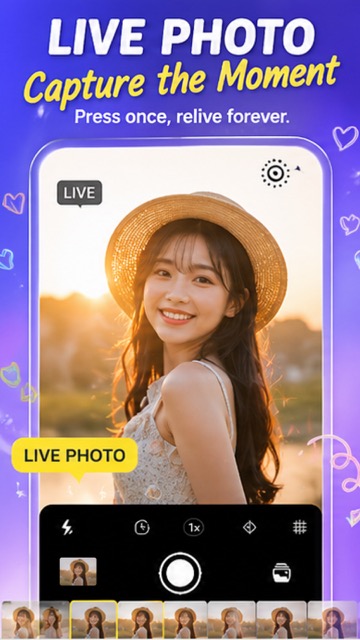
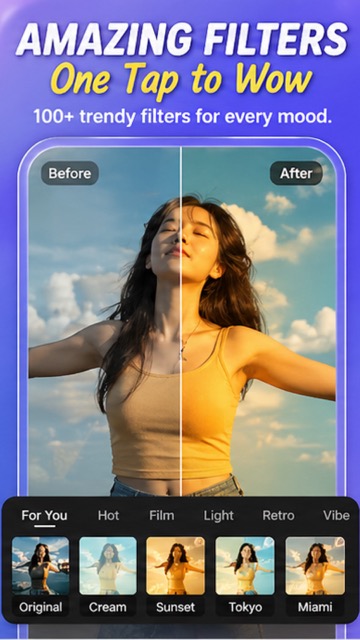
📊 Side-by-Side: iPhone Live Photo vs. Live Photo Camera
| Feature | iPhone Live Photo | Live Photo Camera (Android) |
|---|---|---|
| Motion capture | ✅ 1.5s | ✅ 1–3s |
| Photo filters | ~10 basic | 100+ trendy filters |
| Stickers and text | ❌ (Markup only) | ✅ Full sticker library |
| Drawing tools | Basic | ✅ Advanced |
| Export as video/GIF | ✅ | ✅ |
| Price | Free (iOS only) | Free (Android) |
⚡ How to Set Up and Start Using
- Download Live Photo Camera from Google Play
- Open the app and switch to LIVE mode
- Choose from 100+ filters (Film, Retro, Cream, Sunset, Tokyo, Miami...)
- Tap the shutter to capture your live photo
- Add stickers, text, or drawings for extra creativity
- Share directly to Instagram, TikTok, or WhatsApp
#iPhoneToAndroid #LivePhoto #MotionPhoto #AndroidVsiPhone #SwitchToAndroid #LivePhotoCamera #2026
Try It Yourself
Download our app and experience these features firsthand.