What is Motion Photo on Android? Everything You Need to Know [Complete Guide]
Motion Photo is Android's answer to Apple's Live Photos — a feature that captures a few seconds of video alongside every still photo you take. But what exactly is it, how does it work, and how can you make the most of it? This complete guide covers everything.

🔍 What is Motion Photo?
A Motion Photo is a special image format used on Android that embeds a short video clip (usually 1–3 seconds) within a standard JPEG or HEIF image file. When you view the photo, you can play back the embedded clip to see the moments before and after the shutter was pressed.
⚖️ Motion Photo vs. Live Photo vs. Burst Mode vs. Video
| Feature | Motion Photo | Live Photo (iOS) | Burst Mode | Video |
|---|---|---|---|---|
| Still image | ✅ | ✅ | ✅ (many) | ❌ |
| Video clip | ✅ (~1–3s) | ✅ (~1.5s) | ❌ | ✅ |
| Audio | ✅ | ✅ | ❌ | ✅ |
| File size | Medium | Medium | Large | Very large |
📱 How to Enable Motion Photo on Different Brands
Samsung Galaxy:
- Open Camera in Photo mode
- Tap the Motion Photo icon (square with play triangle) at the top
- When it is highlighted, motion photo is on
Google Pixel:
- Open Camera and tap the dropdown arrow at the top
- Find Motion and set it to On or Auto
- Pixel also offers "Top Shot" which picks the best frame automatically
Other Android Brands:
Check your camera Settings menu for "Motion Photo," "Moving Photo," or "Live" options. If your default camera does not support it, use a third-party app like Live Photo Camera.
✏️ How to Edit Motion Photos
Built-in gallery apps offer basic editing — trimming, selecting a key frame, and exporting as GIF or video. But for advanced editing with filters, stickers, text overlays, and effects, you need a dedicated app.
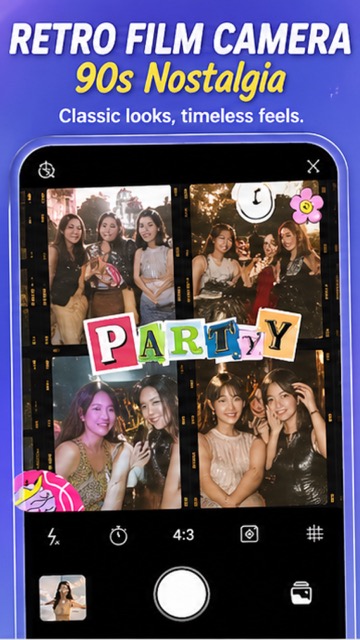
🚀 Go Beyond Built-in: Live Photo Camera App
Live Photo Camera transforms your Android phone into a professional motion photo studio:
- 🎨 100+ filters — Film, Retro, Light, Vibe, Cream, Sunset, Tokyo, Miami
- ✨ Stickers and text — add personality to every shot
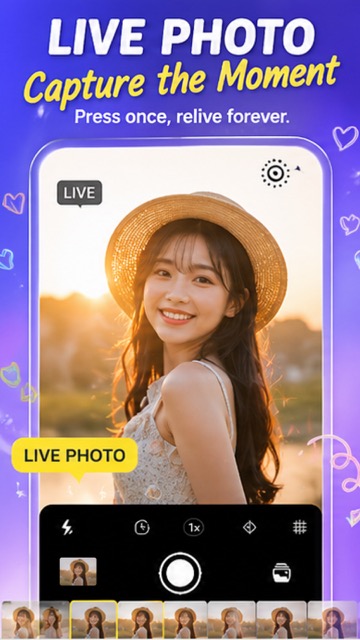
- 🎬 Seamless PHOTO/LIVE/VIDEO switching
- 📤 Easy sharing — export to GIF, MP4, or share directly to social media
❓ Frequently Asked Questions
Does motion photo drain battery?
Slightly more than regular photos since it records a short video clip. The impact is minimal on modern phones.
Can I turn a motion photo into a GIF?
Yes! Both Google Photos and Samsung Gallery offer built-in GIF export. Live Photo Camera also lets you export directly.
Do motion photos work on all social media platforms?
Not directly — most platforms treat them as still images. Export as MP4 or GIF first for platforms like Instagram, TikTok, and WhatsApp.
#MotionPhoto #AndroidGuide #LivePhoto #PhoneCamera #SmartphonePhotography #Samsung #GooglePixel #2026
Try It Yourself
Download our app and experience these features firsthand.