Back to Blog
Download App
Photography
May 2, 2026
5 min read
How to Convert Any Video to a Live Photo on Android [3 Easy Methods]
Have a favorite video clip you want to turn into a live photo on Android? Whether it's a funny moment, a scenic travel clip, or a cute pet video, converting videos to live photos lets you relive those moments every time you open your gallery.
🎬 Why Convert Videos to Live Photos?
- 📱 Dynamic wallpapers — set live photos as your lock screen background
- 📤 Social media content — create eye-catching posts that stand out
- 💾 Smaller file size — live photos are lighter than full videos
- 🎨 Add filters and effects — enhance the clip with creative tools
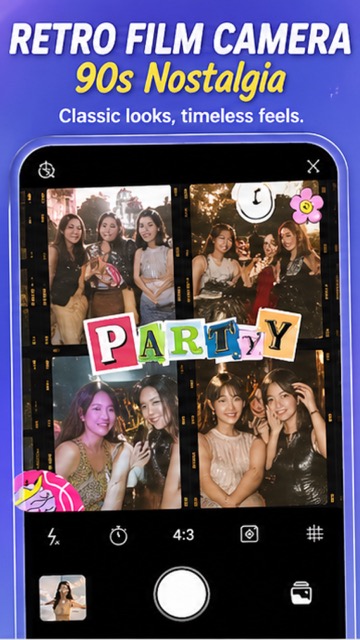
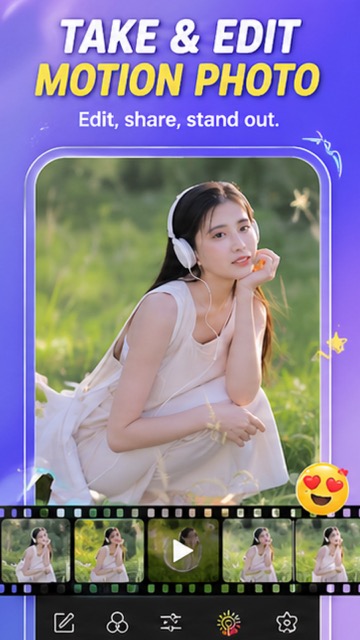
📌 Method 1: Using Live Photo Camera App (Recommended)
The easiest way to convert videos to live photos with added creative flair:
- Download Live Photo Camera from Google Play
- Open the app and use the VIDEO mode or import from gallery
- Trim and select the perfect 1–3 second clip
- Apply filters — choose from 100+ options like Film, Retro, Vibe
- Add stickers and text for personalization
- Save as a live photo or export as GIF/MP4
📌 Method 2: Using Google Photos
- Open Google Photos and select a video
- Tap Edit and trim to a short clip
- Use the Export frame feature to capture a still
- Note: Google Photos does not create true motion photos from videos — it exports individual frames
📌 Method 3: Using Online Converters
Several websites allow you to convert video files to GIF or animated image formats. However, these have limitations:
- ❌ Usually produce lower quality output
- ❌ No filter or sticker options
- ❌ May add watermarks
- ❌ Require uploading your media to third-party servers
💡 Best Practices for Video-to-Live-Photo Conversion
- Keep clips 1–3 seconds for best results
- Use horizontal or square aspect ratios for social media
- Choose moments with natural motion (flowing water, swaying trees, candid expressions)
- Apply a filter to give the clip a cohesive, polished look
#VideoToLivePhoto #ConvertVideo #LivePhotoMaker #AndroidTips #MotionPhoto #GIF #LivePhotoCamera #2026
Try It Yourself
Download our app and experience these features firsthand.