
앱 스크린샷
정보 라이브 포토 카메라
주요 기능 및 장점
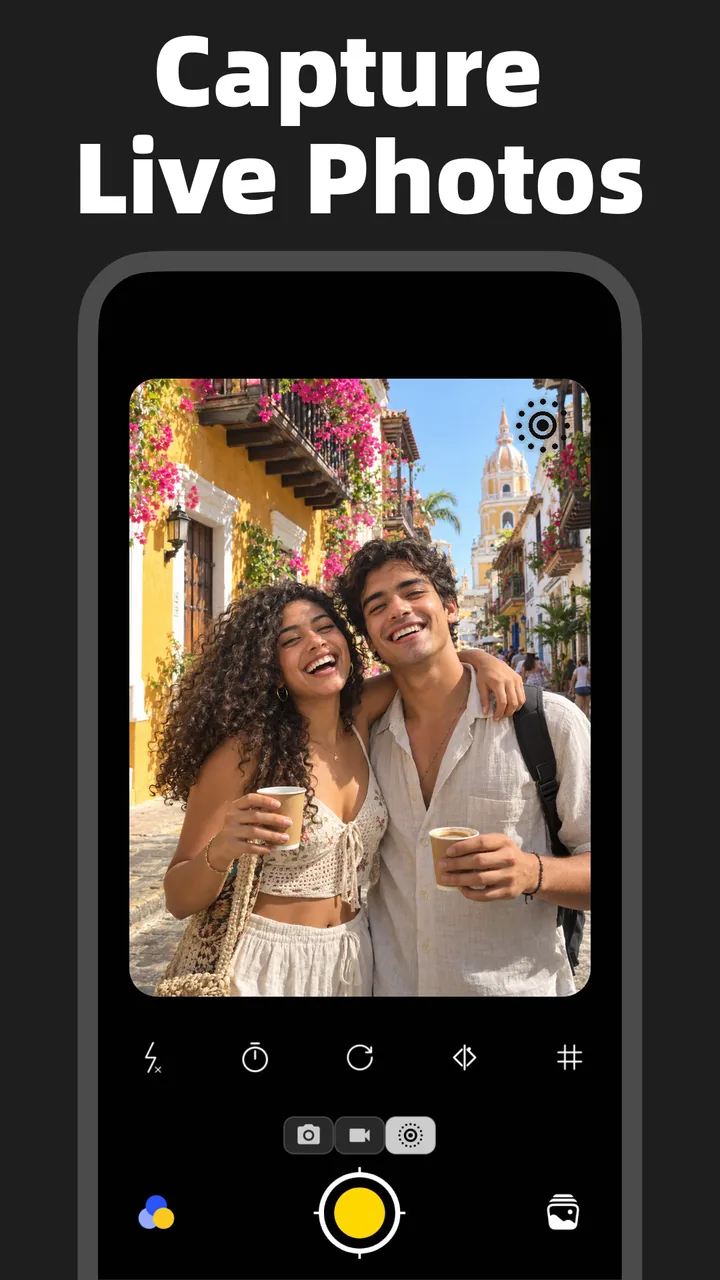
Capture Live Photos & Creative Effects
Live Photo Camera for Android
Capture moving memories directly with a camera built for Live Photos and Motion Photos.
HD Live Photos & High-Quality Export
Create detailed motion photos and clear video exports. Output resolution depends on your source, export settings and device.
iPhone-Style Live Photo Flash
Create iPhone-style Live Photo flash effects on Android, adding a bright flash look to your moving moments.
0.5× Wide-Angle Live Photo Camera
Shoot Live Photos directly at 0.5× ultra-wide angle to fit more scenery, friends and surroundings into every moving shot.
Convert Videos, Photos & GIFs
Video to Live Photo Converter
Turn a video clip into a Live Photo on Android and choose the time range you want to keep.
Photo to Live Photo Maker
Animate a still picture with motion effects and save it as a moving photo.
GIF to Live Photo Converter
Convert an animated GIF into a Live Photo for your motion photo collection.
Live Photo to Video Converter
Extract the motion from a Live Photo and save it as an MP4 video for editing and sharing.
Live Photo to GIF Converter
Turn a Live Photo or Motion Photo into a looping animated GIF without sound.
Live Photo to Still Image
Extract the still image from a Live Photo when you want a photo without the motion.
Photos to Live Photo Slideshow
Combine multiple pictures with transitions and export your slideshow as a Live Photo, video or GIF.
Video to GIF Converter
Convert video clips into animated GIFs, with adjustable output size and frame rate.
Edit & Personalize Your Live Photos
Live Photo & Motion Photo Editor
Trim the motion, adjust the look and enhance existing Live Photos while keeping them animated.
3D Photo Animation & Motion Effects
Bring still photos to life with parallax, zoom and pan effects before exporting as a Live Photo or video.
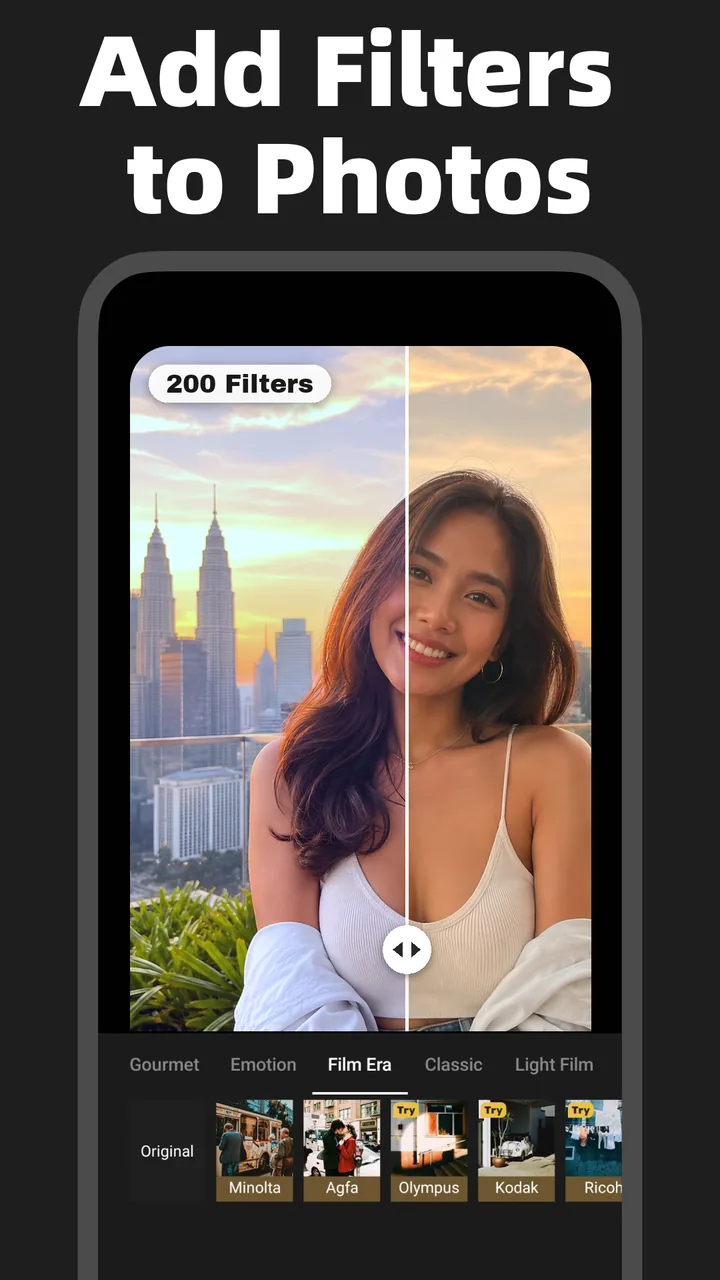
Film Filters for Live Photos
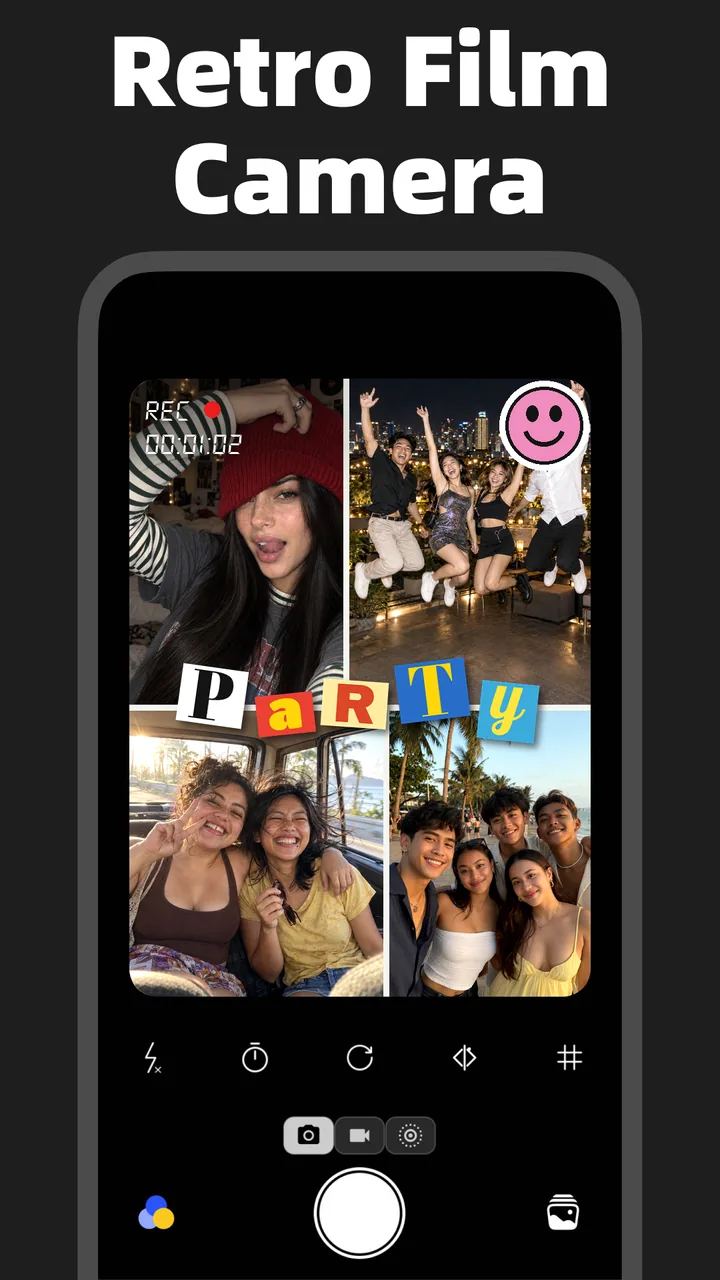
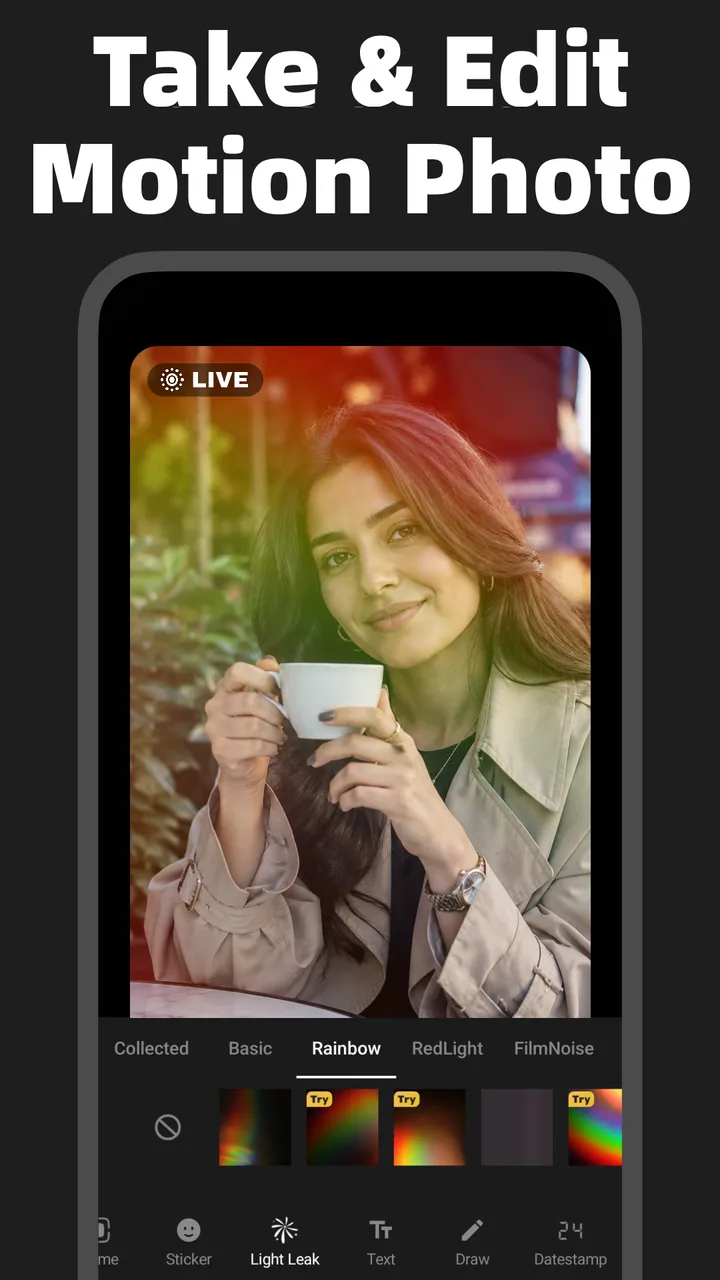
Give photos and motion clips a vintage, retro or cinematic look with film-inspired filters.
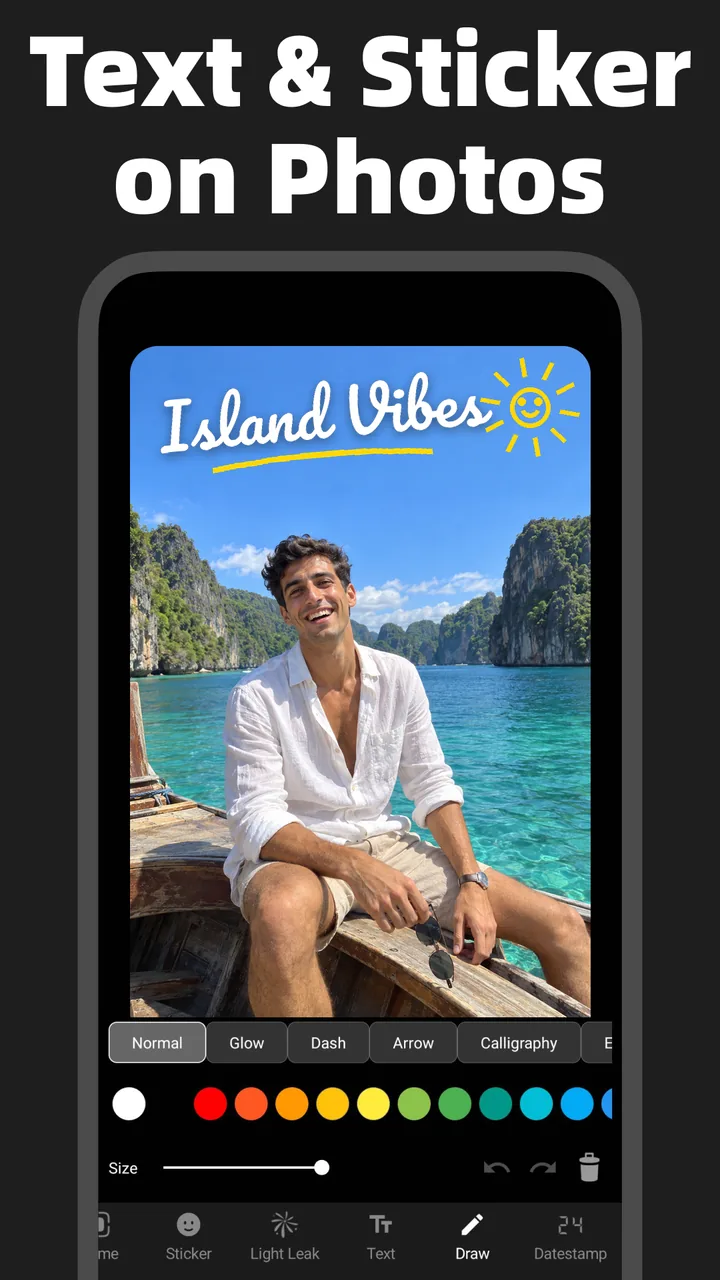
Text & Stickers for Live Photos
Personalize your photos and Live Photos with captions, stickers and creative overlays.
Video Editor & Clip Trimmer
Cut clips, apply filters and adjust colors before saving your video or converting it to a Live Photo.
Photo Editor & Light Effects
Edit still pictures with color adjustments, filters and light leaks for a consistent creative look.
Android Compatibility & Social Sharing
Live Photos Across Android Brands
Create Live Photos on supported Samsung Galaxy, Google Pixel, Xiaomi, Redmi, POCO, OPPO, vivo, OnePlus, realme, HONOR, Motorola and Sony phones. Camera features and gallery playback vary by model.
Share Live Photos to TikTok
After saving your Live Photo, open the gallery inside a TikTok version that supports this format. Select the Live Photo tab first, then choose the Live Photo you just captured.
Instagram, Facebook & YouTube Sharing
After exporting your Live Photo, you can share it directly to Instagram posts, Reels, Stories, Facebook or YouTube Shorts. Sharing to all these destinations is supported. You can also open the destination app and choose the Live Photo captured with our app from its gallery.
WhatsApp, Telegram, Snapchat & More
Share video, GIF or still-image exports through WhatsApp, Telegram, Messenger, Snapchat and X using a format the destination supports. Share still images or GIFs to Pinterest.
기술 및 요구 사항
플랫폼
Android 5.0+
개인정보 및 보안
안전한 데이터 암호화 통신
앱 크기
기기에 따라 다름
Bring everyday moments to life with Live Photo Camera, a Live Photo maker, Motion Photo camera and editor for Android. Capture movement as it happens, turn existing videos and pictures into moving photos, and prepare your creations for your favorite social platforms. From a quick selfie to a travel memory, keep the expression, atmosphere and motion together.
Capture HD Live Photos with Clear, Detailed Motion
Shoot high-definition Live Photos that preserve both a still image and the movement around your moment. Capture smiles, flowing hair, pets and everyday scenes, then edit your motion photos or export them as clear videos. Capture and export resolution depend on the source, selected settings and device capabilities.
Create iPhone-Style Live Photo Flash Effects on Android
Give your moving photos the bright, distinctive look of iPhone-style Live Photo flash. Add a flash-lit aesthetic to portraits, selfies and creative snapshots, then combine the look with film filters and color adjustments to create your own Live Photo style on Android.
Shoot Live Photos Directly with the 0.5× Wide-Angle Camera
Use the camera to shoot Live Photos at 0.5× ultra-wide angle. Fit more of the scene into your moving shot, from a group of friends to a city street, a landscape or an interior. Capture wide-angle motion directly in the app and keep more of the surroundings in every Live Photo.
Convert Videos, Photos and GIFs into Live Photos
Use the video-to-Live-Photo converter to turn a favorite clip into a moving memory, animate a still picture with photo-to-Live-Photo effects, or convert a GIF into a Live Photo. Combine multiple pictures into a slideshow, convert Live Photos to MP4 videos or animated GIFs, and extract a still image when you need a single photo. Video-to-GIF conversion gives you another way to create short, looping moments.
Edit Live Photos with Film Filters, Text and Stickers
Personalize Live Photos and Motion Photos with vintage film filters, retro colors, light effects, captions and stickers. Trim motion clips, adjust colors, and add parallax, pan or zoom effects to still pictures. Bring capture, conversion and editing into one workflow before saving your finished photo, video or GIF.
Live Photo Support Across Android Phone Brands
Create Live Photos on supported Samsung Galaxy, Google Pixel, Xiaomi, Redmi, POCO, OPPO, vivo, OnePlus, realme, HONOR, Motorola and Sony phones. Use Live Photo Camera to capture, convert and edit moving photos across these Android brands. Available camera features depend on the phone model and camera hardware. Some device or gallery versions do not show a Live badge in the system gallery, which is normal. Check the photo in Live Photo Camera’s gallery or Instagram’s or TikTok’s upload gallery; a Live badge there confirms it is recognized as a Live Photo.
Share Live Photos and Motion Videos to TikTok
After saving your Live Photo, open the gallery inside a TikTok version that supports this format. Select the Live Photo tab first, then choose the Live Photo you just captured.
Share to Instagram, YouTube, Facebook and More
After exporting your Live Photo, you can share it directly to Instagram posts, Reels, Stories, Facebook or YouTube Shorts. Sharing to all these destinations is supported. You can also open the destination app and choose the Live Photo captured with our app from its gallery. Share supported video, GIF or still-image formats through WhatsApp, Telegram, Messenger, Snapchat and X, or prepare images and GIFs for Pinterest.